The Browser & Mobile Video Editor: Full Timeline Control Without Heavy Desktop Software
Swap shots, edit captions word-for-word, upload extra media or custom LUTs, and re-render for free up to 25 times — right from your browser or phone.
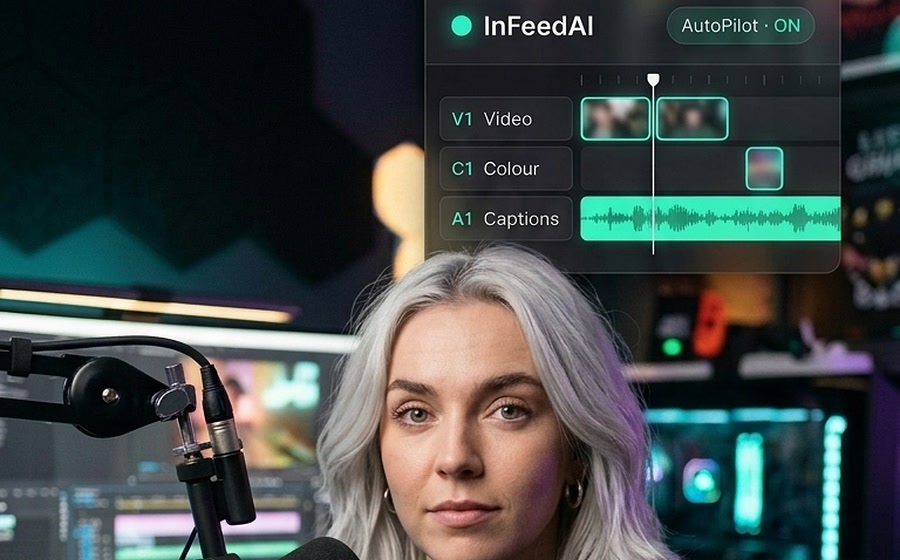
Skip the round-trip back to heavy desktop suites
When a stakeholder asks to swap a single b-roll shot, tweak one caption word, or trim two seconds off the intro, you shouldn’t have to download project files and wait hours for a new export.
Every InFeedAI edit opens immediately in our fast browser and mobile Video Editor. Click any clip, caption, motion graphic, or colour layer to adjust timing, framing, or copy on the spot.
Drop in extra assets and re-render free
Need a last-minute packshot, logo sting, music track, or custom colour LUT? Upload media, images, audio, or LUTs directly inside the editor without leaving your timeline. Every edit includes up to 25 free re-renders so small polish tweaks never burn extra credits.
Edit cuts, captions, graphics, colour, and audio in your browser with free re-renders.