AutoPilot Content Engine: Turn One Shoot Folder Into a Full Multi-Platform Calendar
Drop raw shoot folders into InFeedAI Drive once and let AutoPilot plan, colour-grade, hook-test, and deliver multi-platform videos straight away or overnight.
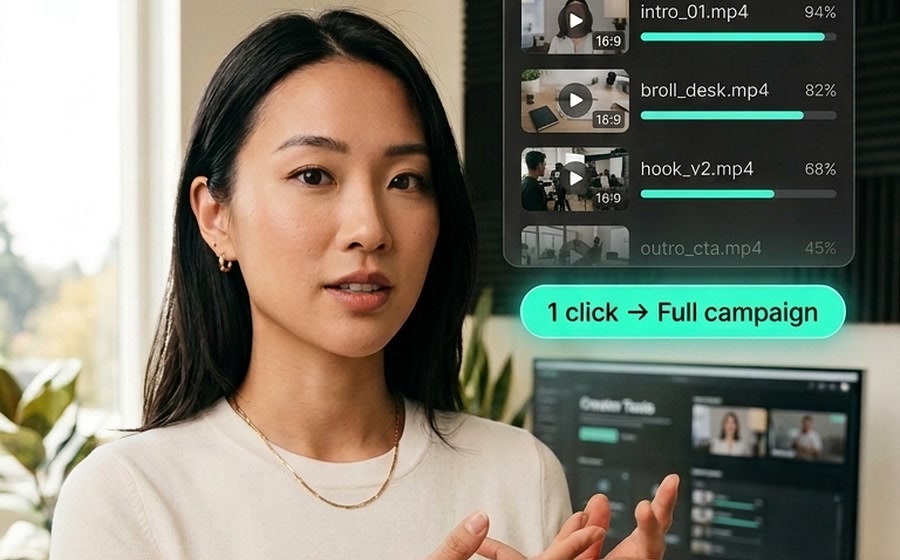
Drop footage once, wake up to ready-to-approve campaigns
When you are shipping creative for multiple brands or channels every week, setting up projects one by one becomes the real bottleneck.
With InFeedAI AutoPilot, you simply drop raw shoot folders into your AutoPilot folder in InFeedAI Drive. AutoPilot groups clips into campaigns, reads any attached brief, applies your Brand Identity, and produces finished edits straight away or overnight.

Full control over styles, platforms, hooks, and spend
Choose the exact content styles you want — from UGC & performance ads to product showcases, explainers, event recaps, or podcast clips. Pick your target platforms (TikTok, Reels, Shorts, IG Feed, Stories, YouTube, LinkedIn, X), aspect ratios, videos per campaign, and extra hook variants per video.
A daily credit limit keeps your team strictly on budget: AutoPilot pauses cleanly the moment it reaches your cap.
Set your Brand Identity once, drop footage into AutoPilot, and wake up to edits ready for review.