Automatic AI Colour Grading: Matching Mixed Phones, HDR & Skin Tones Effortlessly
See how InFeedAI turns mixed iPhone, HDR, and studio clips into one cohesive, filmic shoot — protecting natural skin tones and brand colours automatically.
Why mixed creator footage hurts ad performance
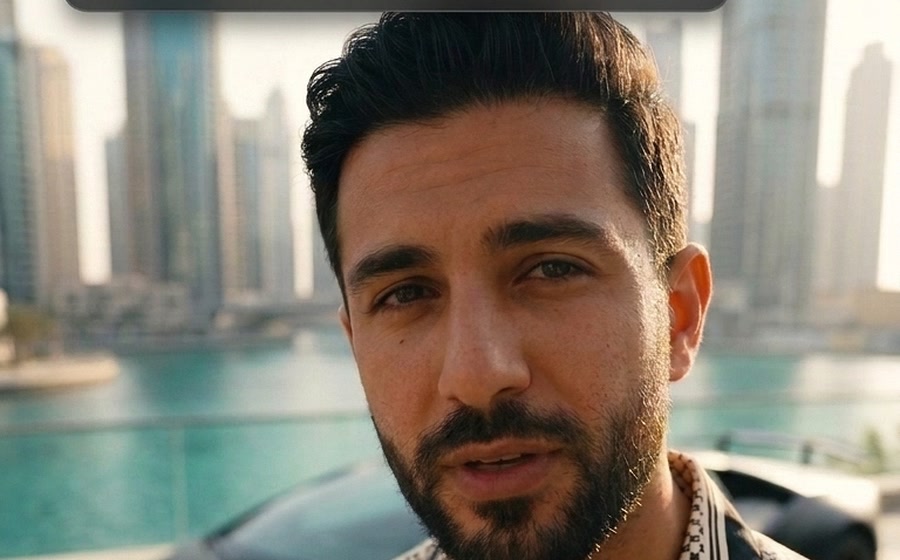
Modern campaigns combine footage from half a dozen phones, rooms, and times of day. One clip arrives warm and dim, the next is cool daylight, and bright HDR phone clips often look washed out or blown out once uploaded to social feeds.
Grading 30+ clips by hand eats hours of post-production budget — yet publishing ungraded, mismatched cuts immediately cheapens your brand.
Skin-safe matching with a creative finish on top
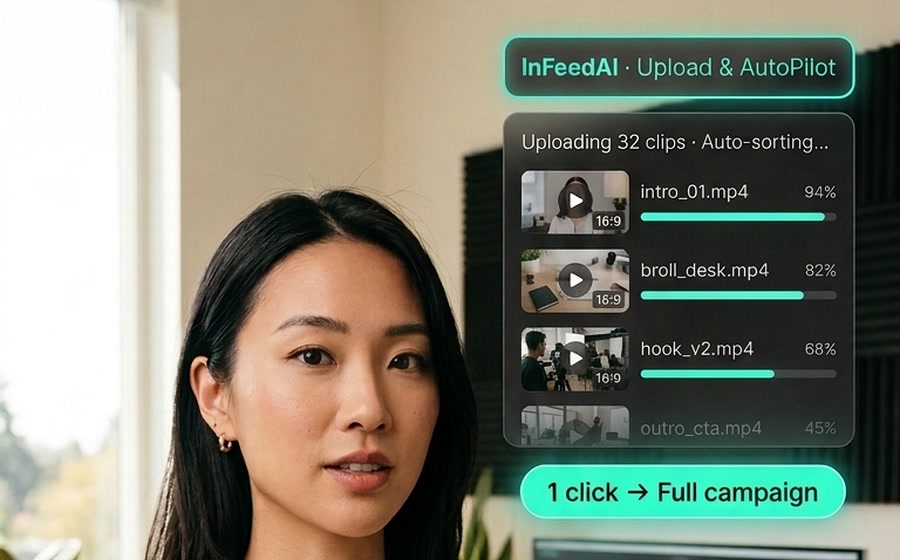
InFeedAI first brings bright HDR and phone footage into a clean, natural range so highlights roll off smoothly instead of clipping. It then matches exposure and colour balance across every cut while keeping skin tones natural and whites neutral.
Rather than leaving clips flat, InFeedAI layers a subtle creative finish — choose from looks like Filmic Warm, Editorial Clean, Punchy Social, or Moody Cinema, match a hero reference still, or upload your own custom LUT directly in the editor.
Always non-destructive on its own track
Your grade sits cleanly on its own layer in the timeline. Toggle it on or off for the whole edit or a single shot, compare before and after live, and re-render for free.
Match every shot automatically, pick a creative film look, or upload your own reference still.